
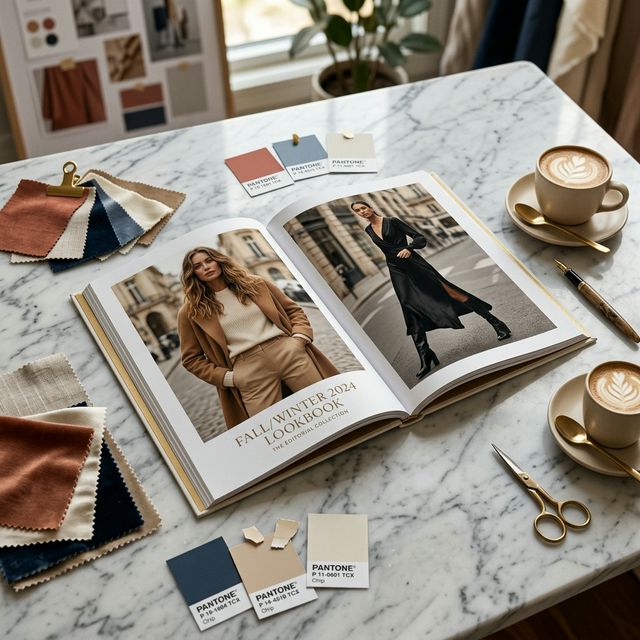
Your First AI-Generated Lookbook
Traditional lookbooks require photographers, models, stylists, makeup artists, locations, and weeks of post-production. With ComfyUIFlows Studio, you can create a professional lookbook in under 30 minutes. Here's the exact workflow.
Phase 1: Planning (5 minutes)
- Define your collection theme (Spring/Summer, Resort, Streetwear, etc.)
- List the garments you want to showcase (6-10 pieces is ideal)
- Choose 2-3 model looks (consistent identity across the lookbook)
- Pick 3-4 background themes (studio, outdoor, urban, editorial)
Phase 2: Generation (15 minutes)
- Upload garment images: flat-lays or mannequin shots work best
- Lock your model identity: upload a face reference for consistency
- Generate 2-3 angles per garment using different pose presets
- Vary backgrounds: use Change Background for editorial variety
- Add accessories with addon slots for shoes, bags, and jewelry
Phase 3: Polish (10 minutes)
- Face Enhancement on hero shots for magazine-quality detail
- 4K Upscale on cover and key pages
- Erase tool to clean up any artifacts or unwanted elements
- Download from Gallery in your preferred resolution
Pro Tips for Lookbook Consistency
- Use the same model face reference for ALL images in the lookbook
- Maintain consistent lighting language (e.g., all natural light, all studio)
- Use Gallery Folders to organize by outfit or page spread
- Export at 2K minimum for digital lookbooks, 4K for print