
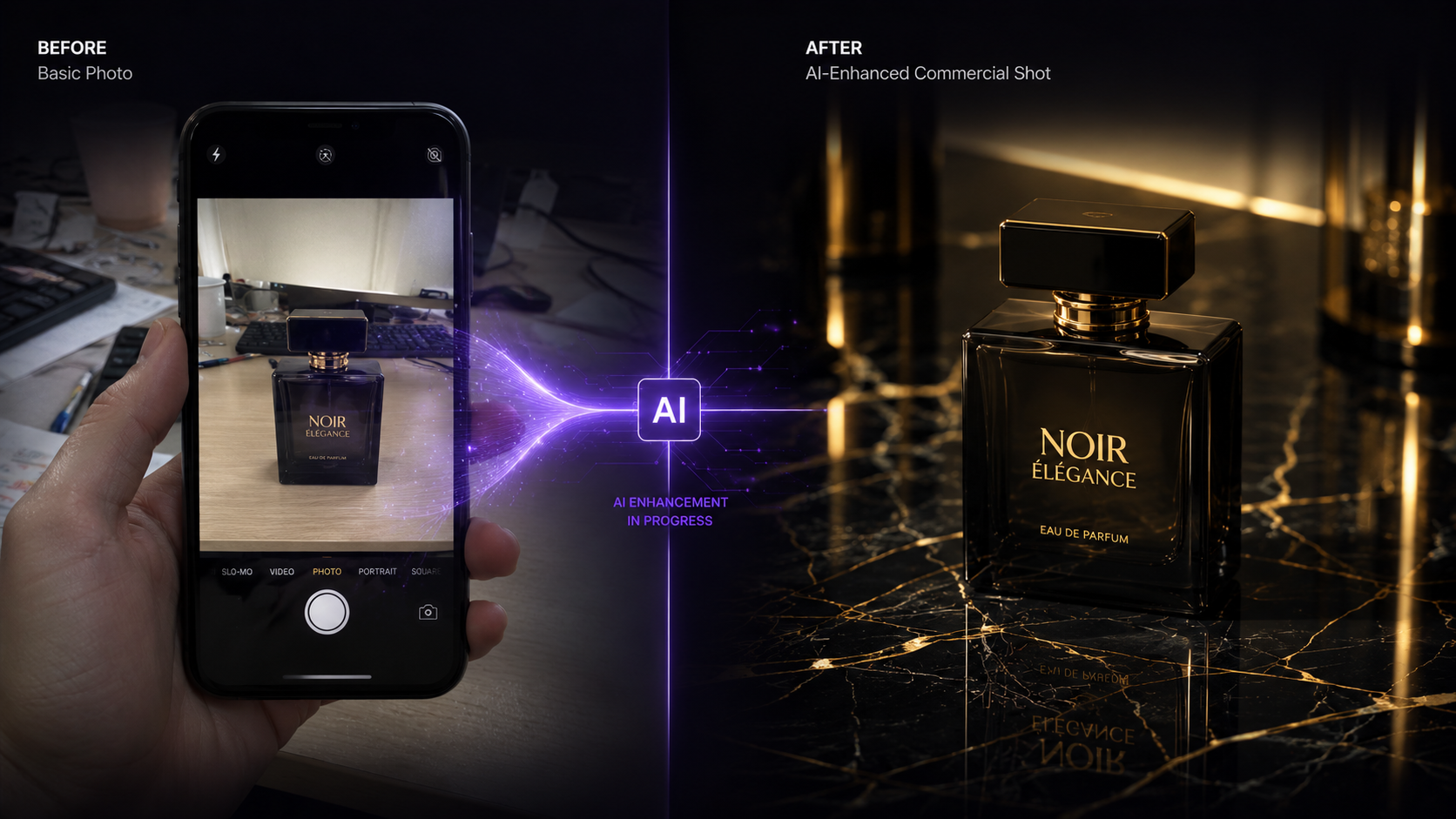
AI virtual try-on technology has matured dramatically in the last 12 months. What used to produce obvious AI artifacts and mismatched proportions can now deliver results that are genuinely indistinguishable from real photography.
That said, the tools are nowhere near equal, and the marketing rarely tells you where the differences are. So here's what actually matters when you're choosing an AI virtual try-on tool for a fashion brand or online store.
What Is AI Virtual Try-On?
AI virtual try-on is a technology that takes a photo of a garment — typically a flat-lay, mannequin shot, or product image — and digitally places it onto a model photo. The AI handles fabric draping, wrinkle simulation, shadow casting, and body-shape adaptation automatically.
The best implementations preserve:
- Fabric texture and pattern: logos, prints, and material details remain accurate
- Natural fit and drape: the garment conforms to the model's body shape realistically
- Lighting consistency: shadows and highlights match between garment and model
- Colour accuracy: no colour shifting between the original product and the output
5 Features That Separate Good Virtual Try-On Tools from Bad Ones
1. Consistent Model Identity Across Your Catalogue
The most critical feature for brands is the ability to use the same model identity across hundreds of SKUs. Generic tools generate a different face and body for every image — destroying brand consistency.
Look for tools that let you train or lock a custom model identity (often called LoRA training) and reuse it indefinitely. This is non-negotiable for professional e-commerce content.
2. Real Garment Input — Not AI-Generated Clothing
Some tools generate both the model AND the clothing from a text prompt. This is fine for concept art but useless for e-commerce — you need your actual product to appear in the image.
The best virtual try-on tools accept your real flat-lay or product photo as input and map it faithfully onto the model.
3. Multiple Body Types and Demographics
If your tool can only generate one type of model, it's not solving the personalisation problem. Look for tools that support diverse model personas — different ages, body types, skin tones, and cultural presentations.
4. Background Control
The model shot is only half the image. Professional content requires control over the setting — studio white, lifestyle scenes, outdoor environments. The best tools include built-in background replacement and scene styling.
5. Resolution and Export Quality
E-commerce platforms like Shopify, Amazon, and Zalando have strict image quality requirements. Ensure your tool outputs at least 2K resolution, with 4K upscaling available for hero images and print materials.
How ComfyUIFlows Studio Handles Virtual Try-On
ComfyUIFlows Studio offers multiple virtual try-on approaches depending on your needs:
| Tool | Best For | Input Required | Output |
|---|---|---|---|
| Flat Layout Designer | Mapping real garments onto models | Flat-lay photo + model image | Photorealistic try-on |
| Pose Transfer Pro | Generating models with custom LoRA identity | Pose reference + LoRA model | Full-body editorial shots |
| Multi Input Composition | Combining multiple inputs (clothing + model + pose) | Multiple reference images | Composed fashion image |
| Scene Styling Model | Adding cinematic backgrounds | Transparent-background model | Lifestyle/editorial scene |
The Complete Virtual Try-On Workflow
- Photograph your product: flat-lay on white background works best
- Upload to Flat Layout Designer: select your model image
- Generate: the AI maps the garment onto the model with natural draping
- Remove background: use Image Remove BG (free) to isolate
- Add your scene: use Scene Styling or Change Background
- Upscale to 4K: for hero images and print materials
Virtual Try-On vs. Traditional Photography: Cost Breakdown
| Traditional Photoshoot | AI Virtual Try-On | |
|---|---|---|
| Cost per look (model + studio + retouching) | $200–$500 | $0.40–$1.00 |
| Time per look | 2–4 hours | 30–60 seconds |
| Model consistency across catalogue | Limited to shoot days | Unlimited — permanent LoRA |
| Background variations | 1 per location | Unlimited — AI-generated |
| Turnaround for 50 SKUs | 2–4 weeks | 1–2 hours |
Common Virtual Try-On Mistakes to Avoid
- Low-resolution input photos: Always use the highest resolution flat-lay available. The AI can only preserve details that exist in the input.
- Wrinkled or poorly lit flat-lays: Iron the garment, use even lighting. Wrinkles in the input become amplified wrinkles in the output.
- Mismatched poses: A full-length dress needs a full-body model reference. A jacket needs an upper-body reference. Match the garment type to the pose.
- Skipping face enhancement: Always run Face Refinement on final outputs to ensure magazine-quality facial detail.
Get Started with Virtual Try-On
Every feature discussed in this article is available right now in ComfyUIFlows Studio. Upload your first garment and see results in under 60 seconds.